
Sign Into App with Emby Connect PIN
- Open the Emby App on your device
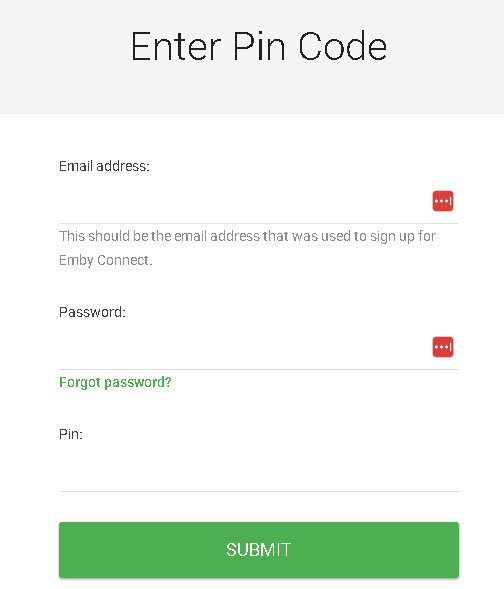
- Go to https://emby.media/pin
- Sign in with your Emby Connect user / password and enter your pin that is showing on the App
- You will see Pin Confirmed
- Back out of your app and go back in.

No Comments